
We will explain here how to login to Teams and switch between your Teams environment (also called tenant)
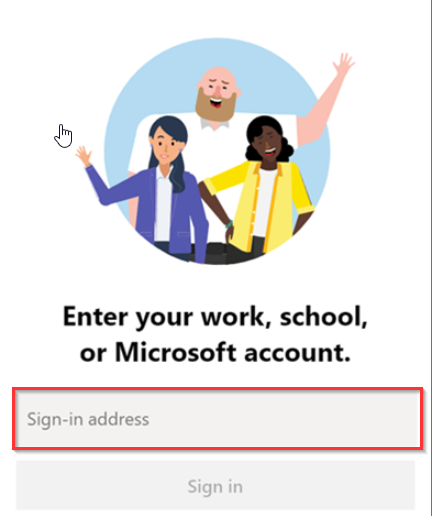
Download Teams
Head to Microsoft website to download the application.
Login
Login with your Microsoft 365 credentials.
Switch Tenant
You might have access to multiple Teams environments (Tenant)
To switch between them :
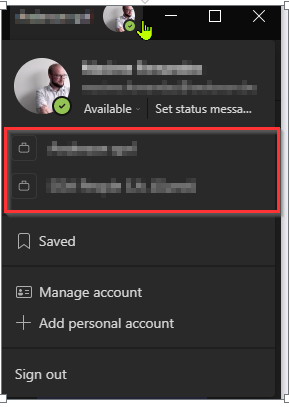
- Left click on your Profile picture in the upper right corner of the application.
- Selected the Tenant you’d like to access. It’s showed by the red square.
If you are granted access to another Tenant, you will be considered as a Guest; you might not have access to all the default documentation in the tenant.